Clockify and Plaky integration
Clockify and Plaky can be integrated in workspaces under the same organization as part of the CAKE.com Suite. This means that when you use the timer in Plaky to record time entries, the information is synchronized in Clockify.
This integration bridges the gap between task planning (Plaky) and time tracking (Clockify), where time spent on project activities in Plaky are automatically recorded in Clockify that can be used for generating centralized reports.
Before you begin #
To use this integration, you must have the following:
- A board in a Plaky workspace
- A project in a Clockify workspace
- A workspace owner or admin to configure the integration
Integration features #
Embedded timer #
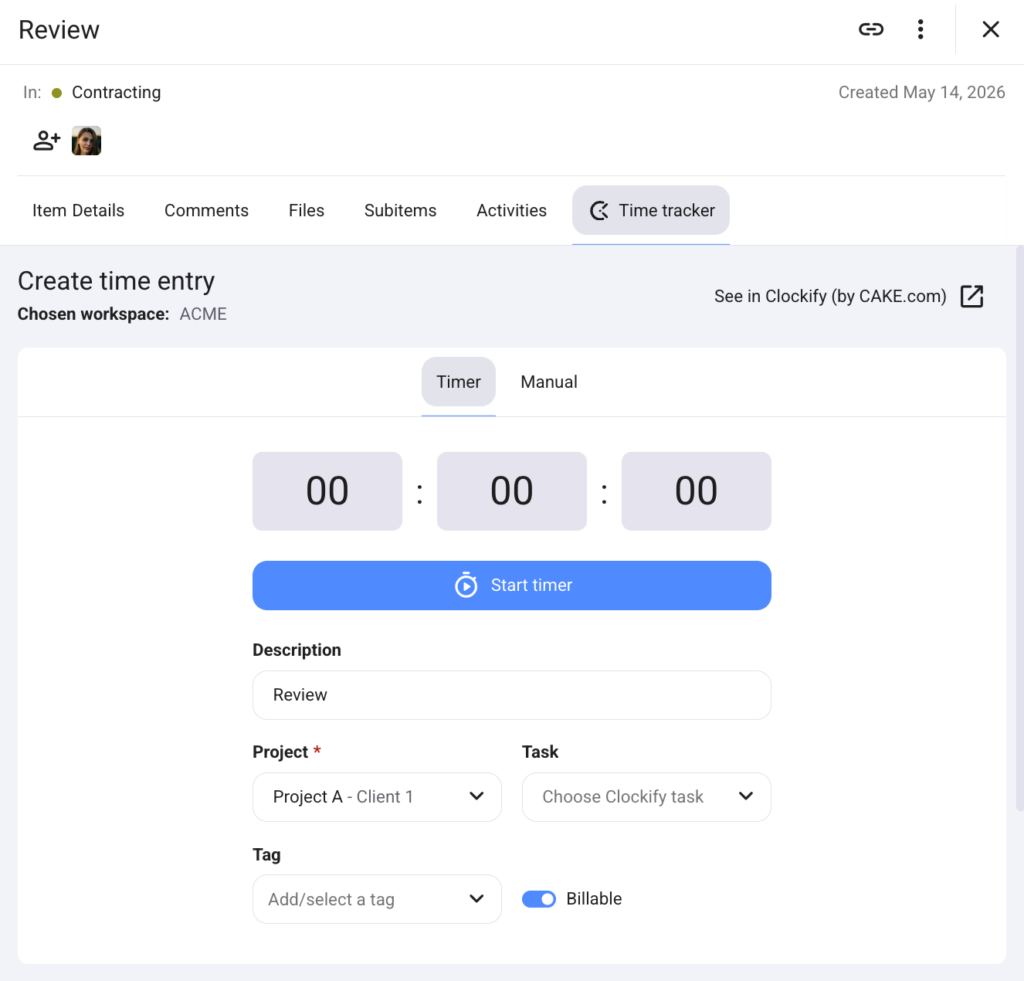
Use the Clockify timer in the Plaky board to prevent app switching. When you start the timer, the time entry is automatically recorded in Clockify. You can also edit the recorded time entry in the Plaky card and it automatically syncs in Clockify. The timer also allows tracking time for multiple projects.
Manage project estimates #
Projects often have time estimates allocated per task. If you are a project manager, you can create a project estimate in Clockify for the time logged from Plaky tasks. Once the team starts working on their tasks in Plaky, you can check the recorded time entries and evaluate if a project is still within budget.
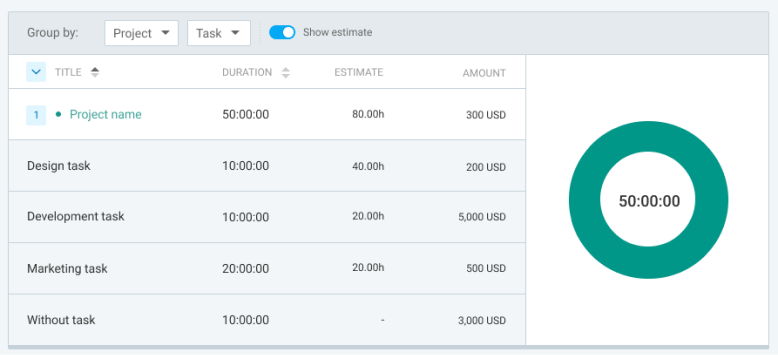
You can also create an alert in Clockify and send a notification when the project allocation reaches a certain threshold based on the estimate.
Centralized reports #
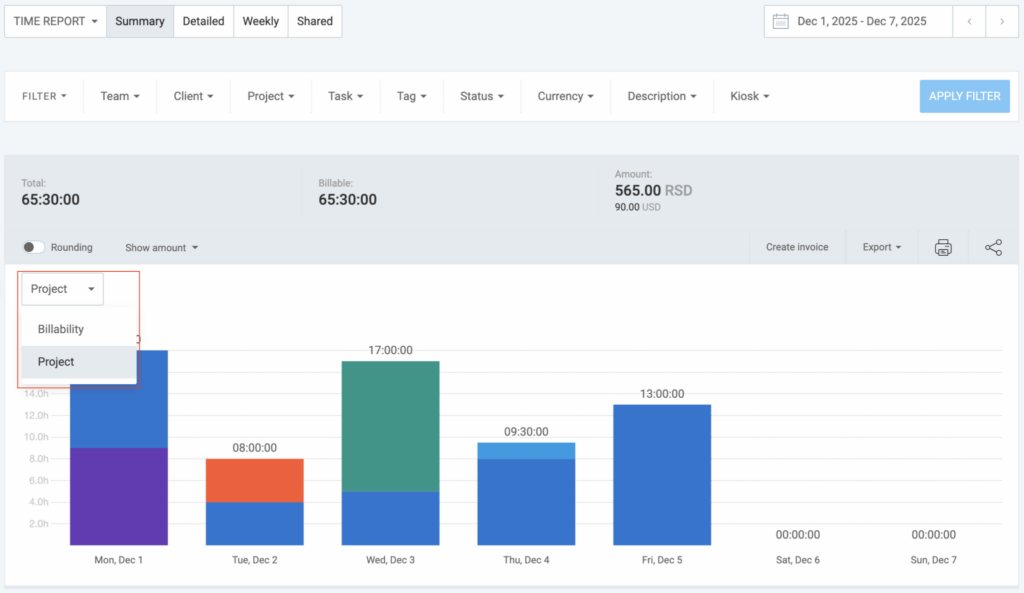
Once the project has been completed, you can generate a project summary report in Clockify to see which Plaky tasks took more time and contributed most to the project completion. Use this report to evaluate the progress and make necessary adjustments to the plan if needed, or use the gathered information to improve processes and refine future project implementations.
How it works #
To use this integration:
- In the Plaky board, connect the Clockify workspace and project
- Start the timer in a Plaky card to begin tracking time
- Set the project estimate and create a report summary in Clockify
Data mapping #
The table shows how the data in Clockify are matched to corresponding items in Plaky and get accurate time entries recorded. You can match the names of the board and project so it can be identified easily when you create a report.
| Plaky | Clockify |
| Board | Project |
| Item | Task |
| Subitem | Task |
| Item/Subitem name | Description |
Next steps #
Check out this article for a step-by-step guide on how to integrate Clockify and Plaky and start using this integration.