Manage Organization
Organization serves as a foundation for your collaboration in the CAKE.com ecosystem. It helps you structure and manage projects, tasks, and team communication in a systematic and efficient manner.
An organization can be managed by the organization owner and designated admins.
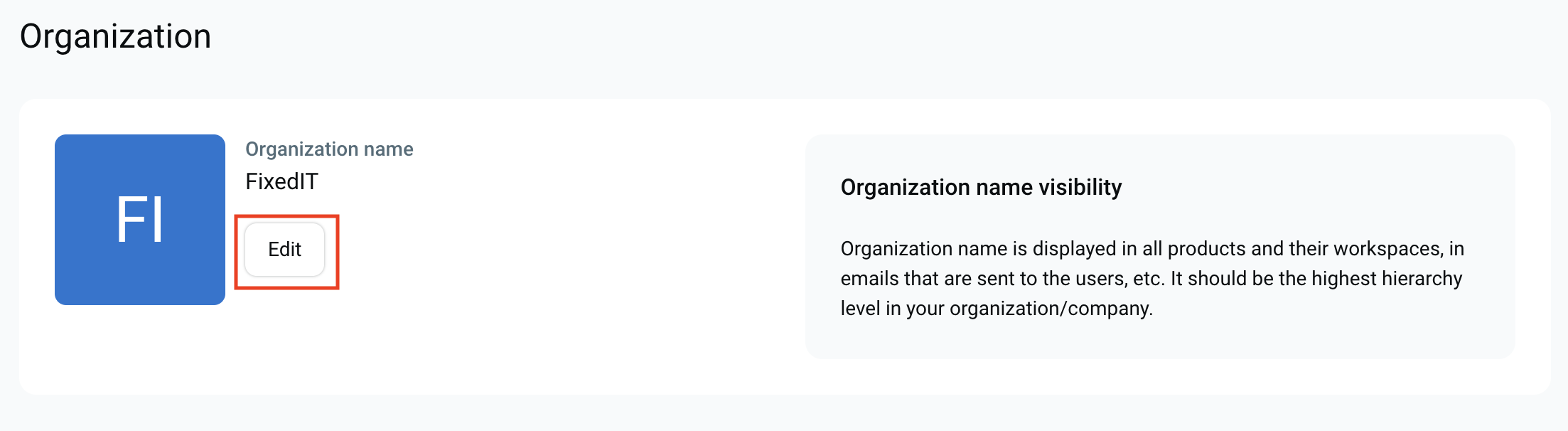
Rename organization #
If you’d like to redefine your organization’s identity or adapt to evolving project needs, you can rename your Organization following these steps:
- Click on Organization in the left sidebar
- Click on Edit next to the Organization name
- Type new Organization name
- Click Save changes to complete the action
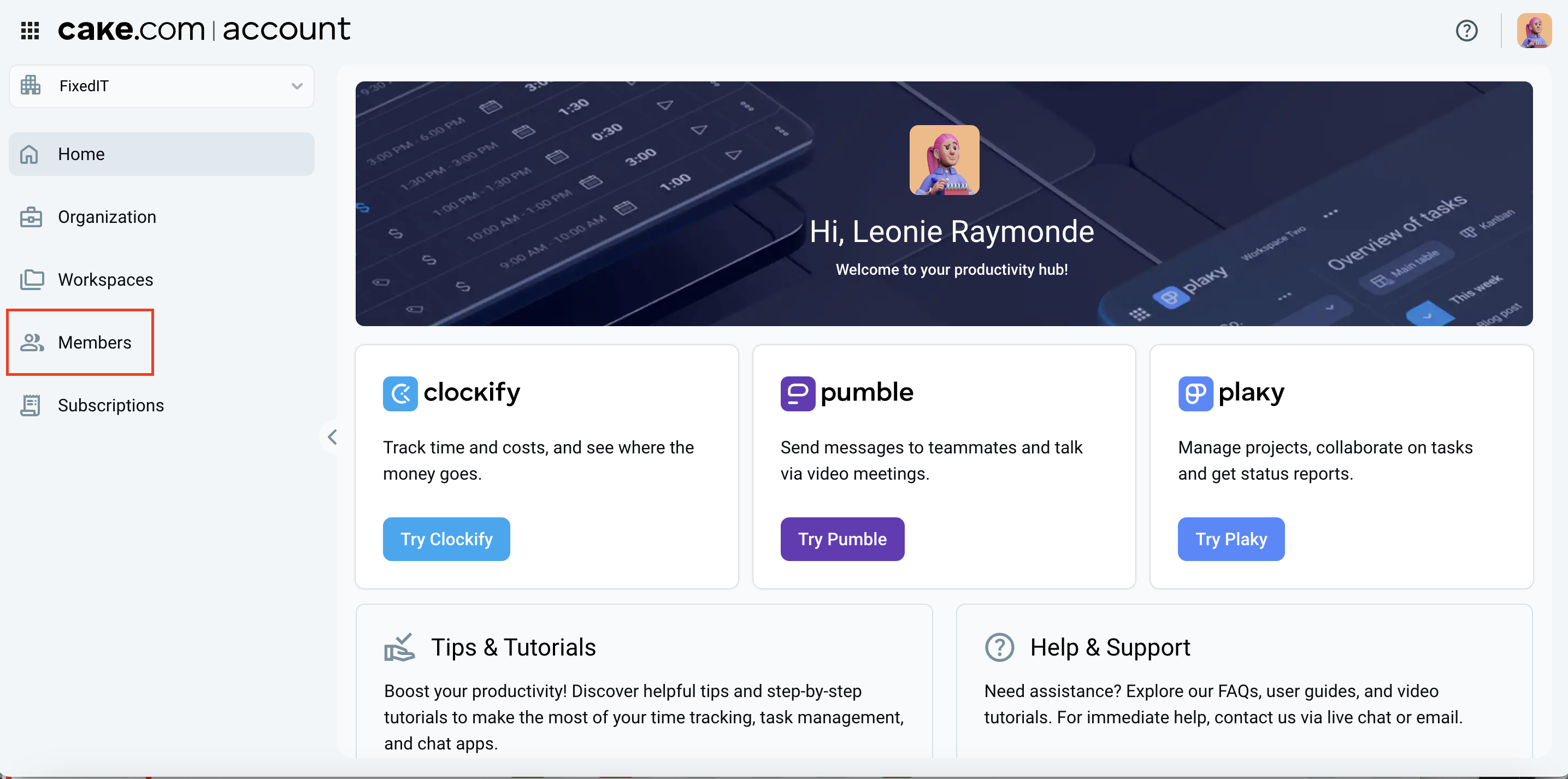
Manage organization members #
Members management within an organization is essential for owners and admins to maintain control over activities and ensure smooth operations across all workspaces.
To learn more about user management inside your organization, check out this article.
Create new organization #
You can create a new CAKE.com organization via the link provided in this Help Center.
Here’s how:
- Make sure you’re logged in to your CAKE.com account
If you’re not logged in, you’ll be asked to sign in first. After logging in, you’ll be automatically redirected to the organization setup page. - Click this link: https://account.cake.com/create-organization
- Enter your organization name and choose the product you want to use
- Submit the form to complete the setup
Once done, you’ll be taken directly to your new organization’s homepage with a confirmation message: “You’ve successfully created your new organization.”
You can exit the process at any time and return to your current account and existing organization.
Delete organization #
If you no longer need your organization, you can delete it at any time. For detailed instructions on how to do this, check out this article.
Any changes made to an organization apply to all associated workspaces and can have an impact on them (such as deleting the organization).
Manage subscription #
Organization owner can manage subscription and billing details. Managing subscription includes editing billing information, updating payment methods, upgrading or downgrading Workspaces’ subscription plan, as well as accessing your billing history.
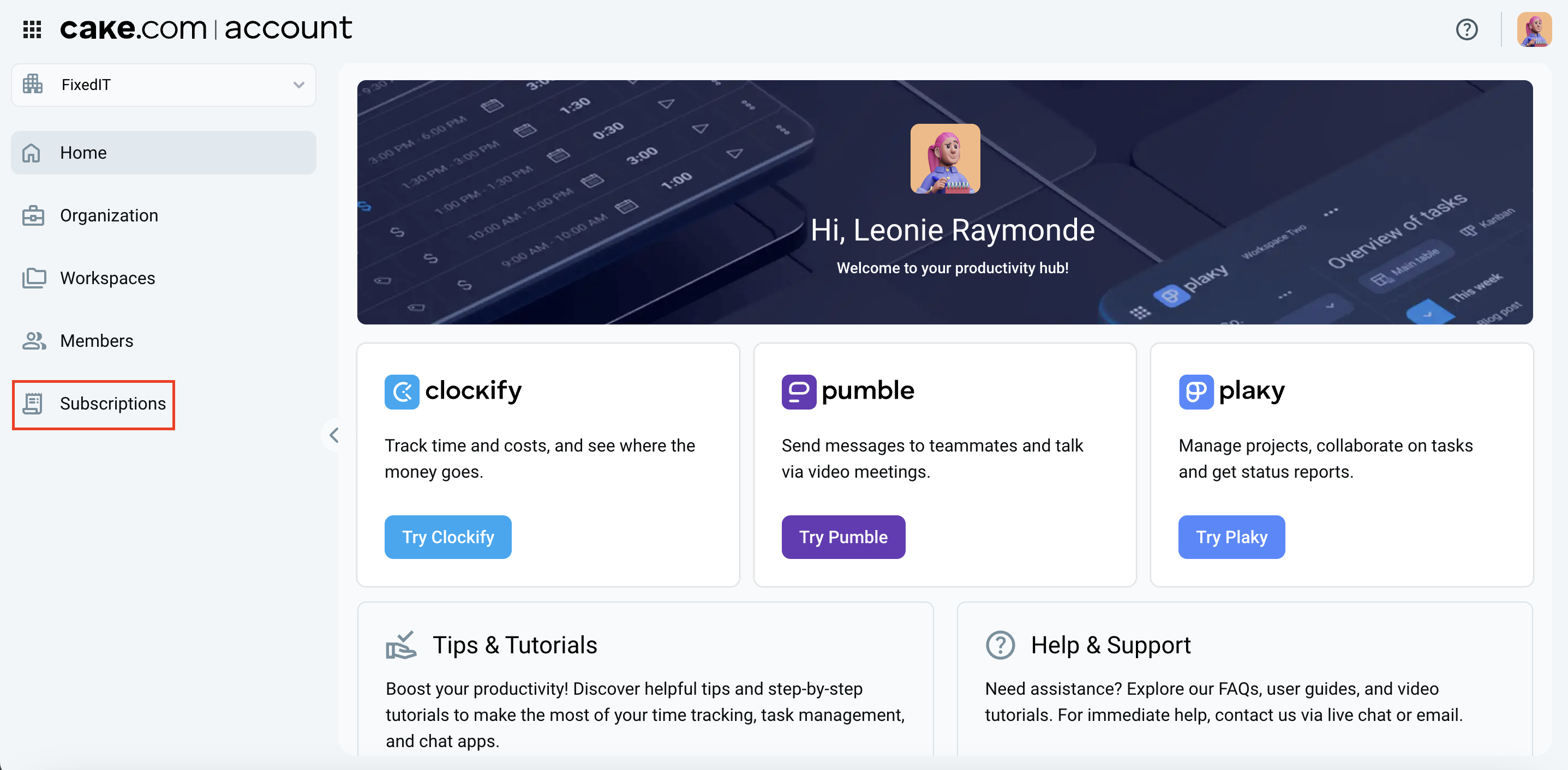
To access the billing section:
- Log into your CAKE.com Account
- Navigate to the Subscriptions page from your account dashboard
For more information on managing your workspace subscriptions, check out this article.