Delete Organization
If there is an organization you don’t want to use anymore, or there is no longer the need to use it, you can delete it. Only the Organization owner can perform this action.
Deleting your organization will permanently remove all related data, including the workspaces within it. All active subscriptions linked to the organization will be automatically canceled.
To avoid losing any important information, back up your data before you continue with the process. For more details on how to back up your data, check out this article.
To delete an organization follow these steps:
- Click on Organization in the sidebar
- Click on Delete organization
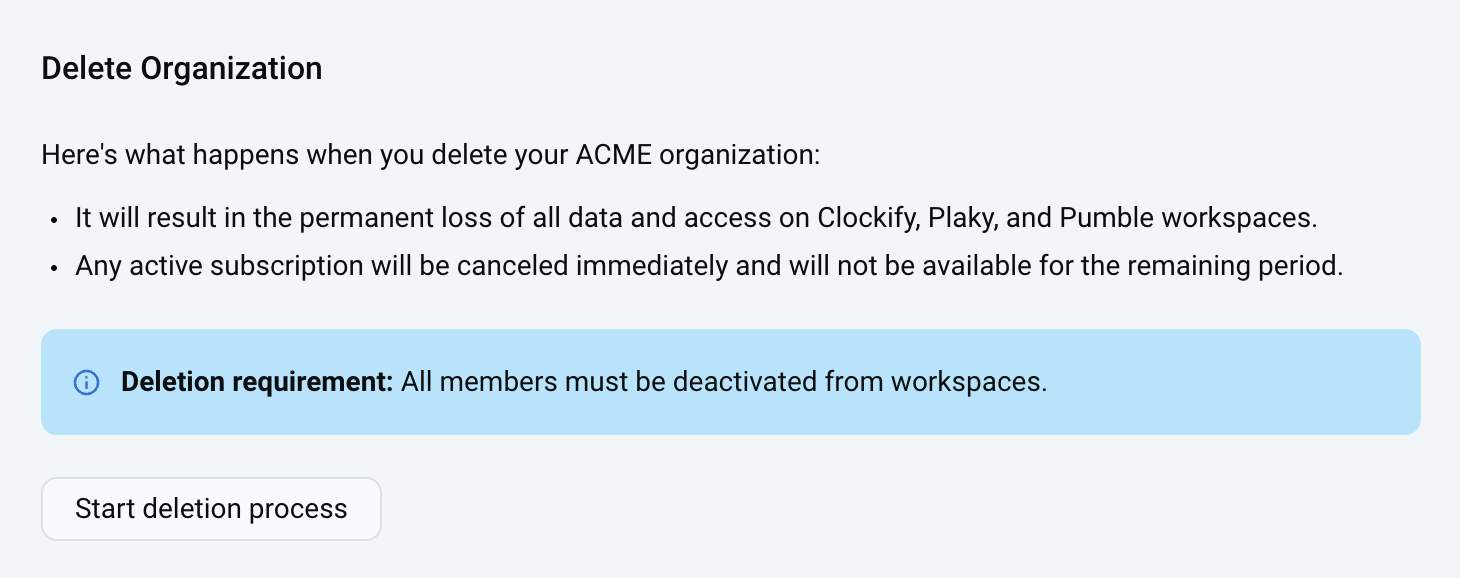
- Backup the Organization data if you want to save it
- Deactivate all of your users from all the Workspaces
- Go back to the Organization page and click on Start deletion process
- A pop-up window informs you that all your data will be permanently deleted
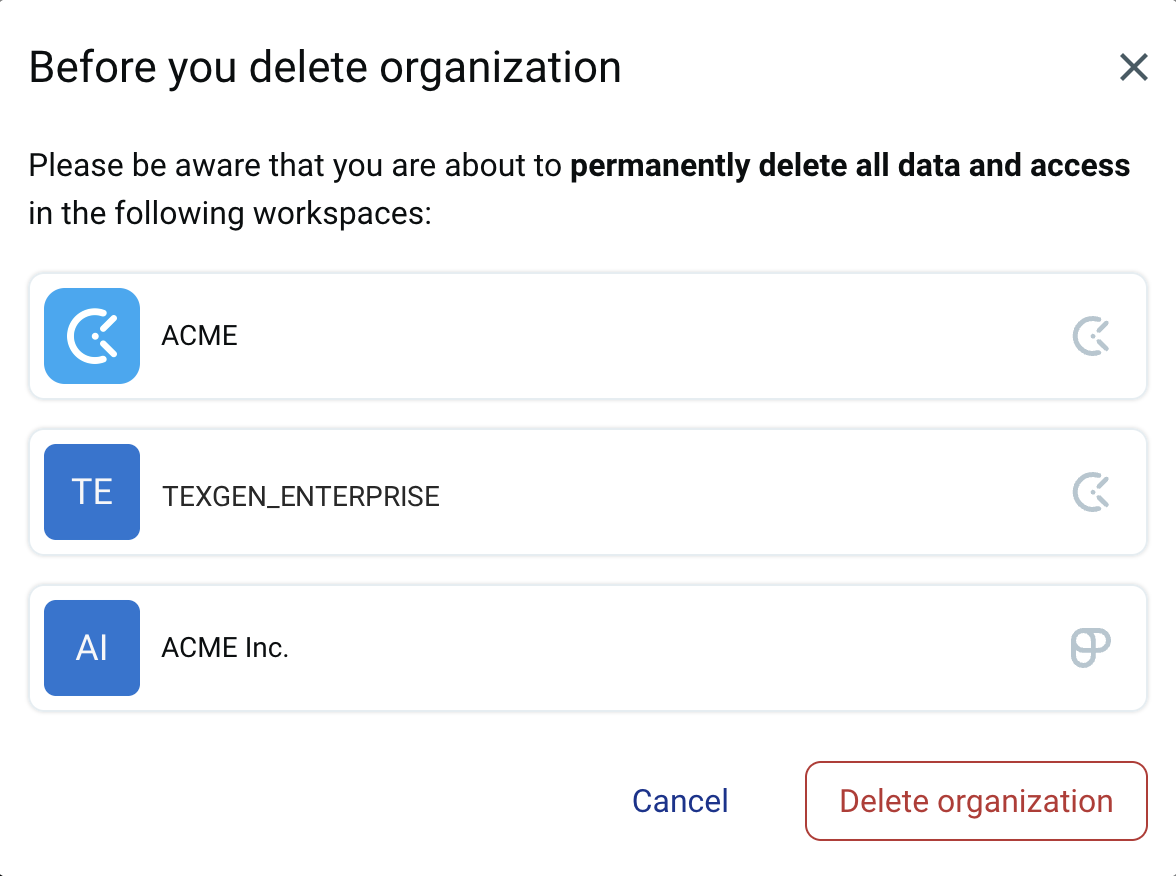
- Click Delete organization on the confirmation window to complete the action
To enable the deletion of the organization, all users must be removed from the product workspaces including canceling pending invitations. For detailed information on how to delete and deactivate users, check out this article.
Deleting the last organization you belong to will result in the complete deletion of your CAKE.com Account. You’ll have to sign up again to access the application.