Member Onboarding Guide: Set up your account
When you accept an invitation from a workspace owner/admin, you become a Workspace member for that specific app and automatically get a CAKE.com account.
Once logged in to your account, you can now configure your own profile and start working.
Step 1: Join the organization #
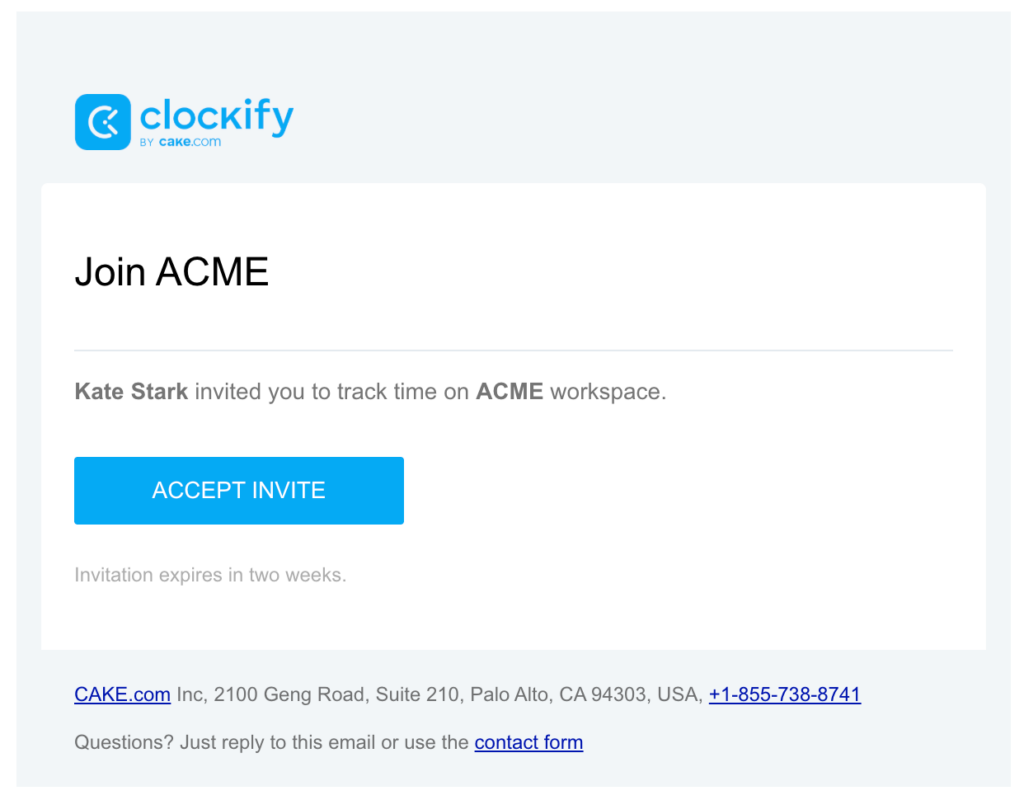
New users will receive an invitation in the email to join a workspace while existing users will receive a notification in the CAKE.com app or email.
- Accept the invite: Click the invitation link to join the workspace or sign up directly from CAKE.com
- Get the app: Access CAKE.com apps in the browser or download the desktop or mobile apps
Step 2: Set up your profile #
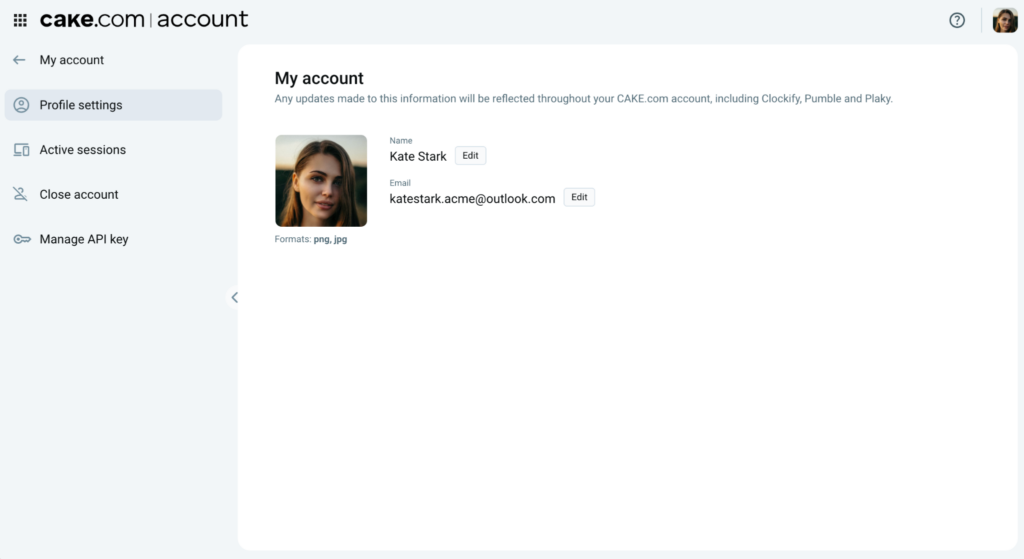
Your profile settings contain your personal information that is used across the CAKE.com Suite.
- Profile picture: Upload a photo to let your colleagues recognize you across all apps
- Name and email: Provide your full name and email address that will be used to identify your account
Some apps (like Plaky) allow you to add more information such as job title or phone number.
You can also manage your account information in the CAKE.com homepage and any change will be updated across all apps.
Step 3: Configure your workspace preferences #
Each app has its own Preferences menu that you can configure to work smoothly in the CAKE.com Suite. Here are common settings that you can update:
- Notifications: Choose what type of update you want to receive and where to receive them
- Appearance: Choose the theme for the app (e.g. light mode or dark mode)
- Time zone: Choose the time zone for your current location
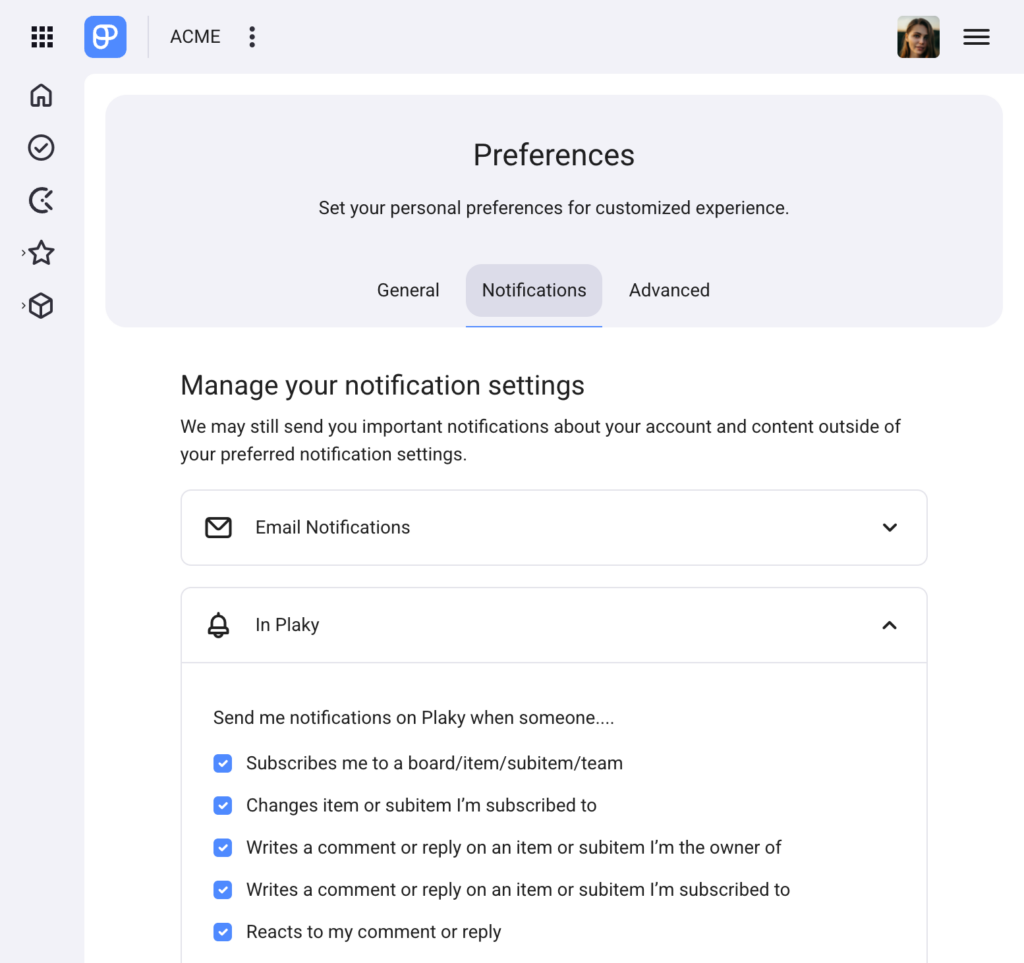
There are also some advanced settings you can configure, such as using your personal API key to connect Clockify or Plaky to other apps.
Click the  switcher to move easily between workspaces without logging in with your credentials every time.
Check out these articles for more details in setting up your profile in the workspace:
- Manage your profile settings – Clockify Help
- Onboarding for New Workspace Users – Plaky Help
- Onboarding for New Workspace Users – Pumble Help
Step 4: Work and collaborate #
Once you have configured your workspace preferences, you can now start working with the CAKE.com Suite.
- Clockify: Start your tracker to begin recording your time for Plaky tasks
- Plaky: Explore boards and use the Clockify timer in Plaky to track your progress
- Pumble: Receive notifications from Plaky and start aligning with your team
Check out the CAKE.com Glossary to be familiar with terms and concepts used in the suite.