Navigate the CAKE.com Productivity Suite
The CAKE.com Suite offers a set of productivity solutions crafted to enhance and optimize your workflow. After you have successfully signed up or logged in to your CAKE.com Account you can begin exploring the full range of features and functionalities tailored to meet your business needs.
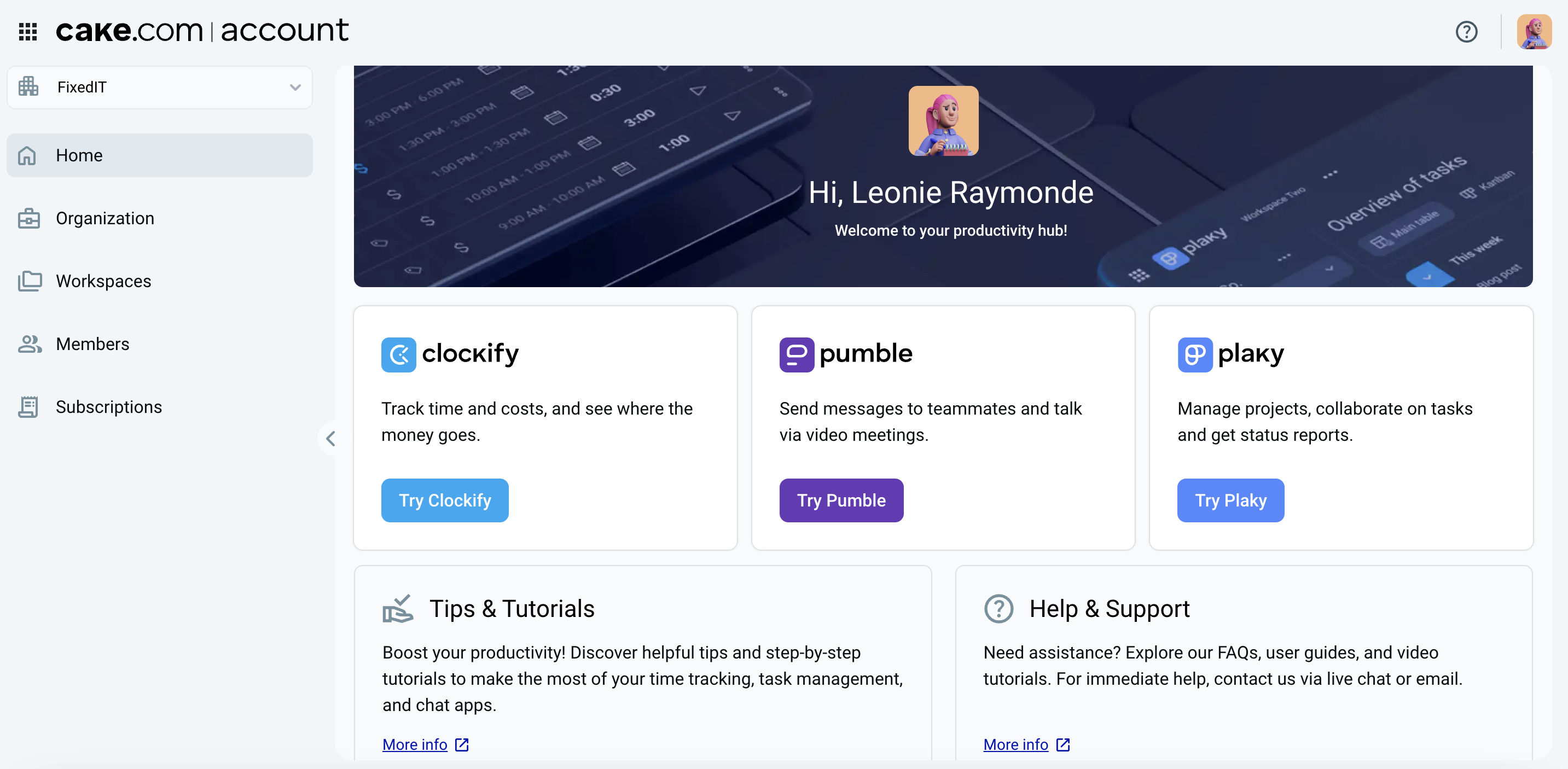
Home page #
Your account’s homepage serves as the central hub for managing your productivity tools and accessing key features within your organization. From the side bar, you can access user and organization management pages, as well as the subscription page. The main content area gives you access to the CAKE.com apps (Clockify, Pumble, and Plaky) and resources such as Tutorials and Help & Support.
Switch apps and workspaces #
From the home page (and any other workspace of your CAKE.com Account), you can quickly switch from one of CAKE.com product to another with the switcher. The switcher displays a list of all the workspaces across CAKE.com that you are a member of, which you can access without repeatedly logging in with your credentials.
Here’s how to use the switcher to move between workspaces:
- Click the
 (app switcher icon) in the top left corner of the page
 - Select the app from the dropdown list
- Click the
 to expand the workspace list
 - Click on the workspace name
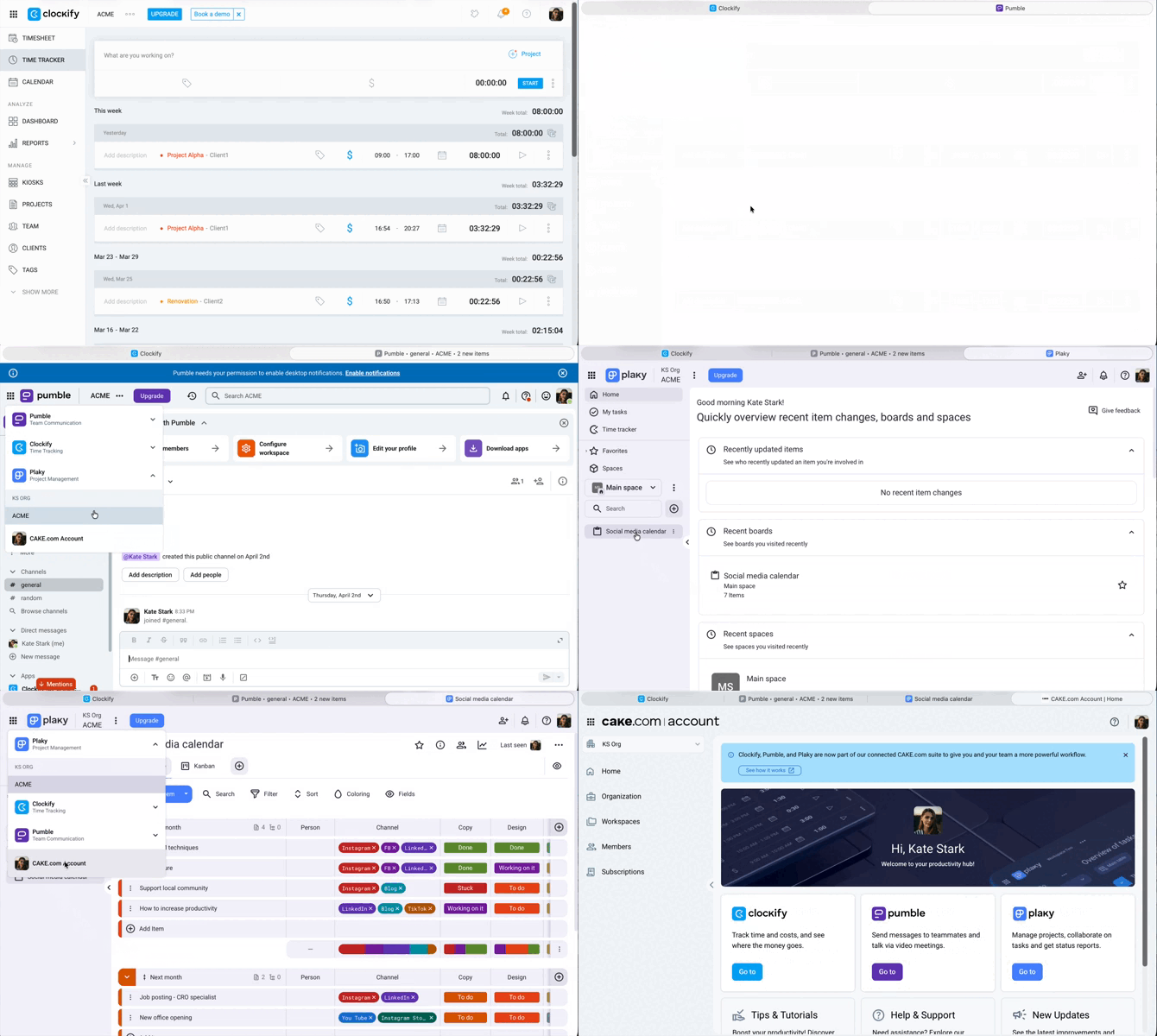
The product workspace opens in a new browser tab. You can also use the switcher to access your CAKE.com account homepage.
Access your profile #
In the top right corner, clicking on your profile icon gives you access to the My Account page. It is the page where you can modify your profile settings. Check this article to know more about updating your profile settings.

Access resources #
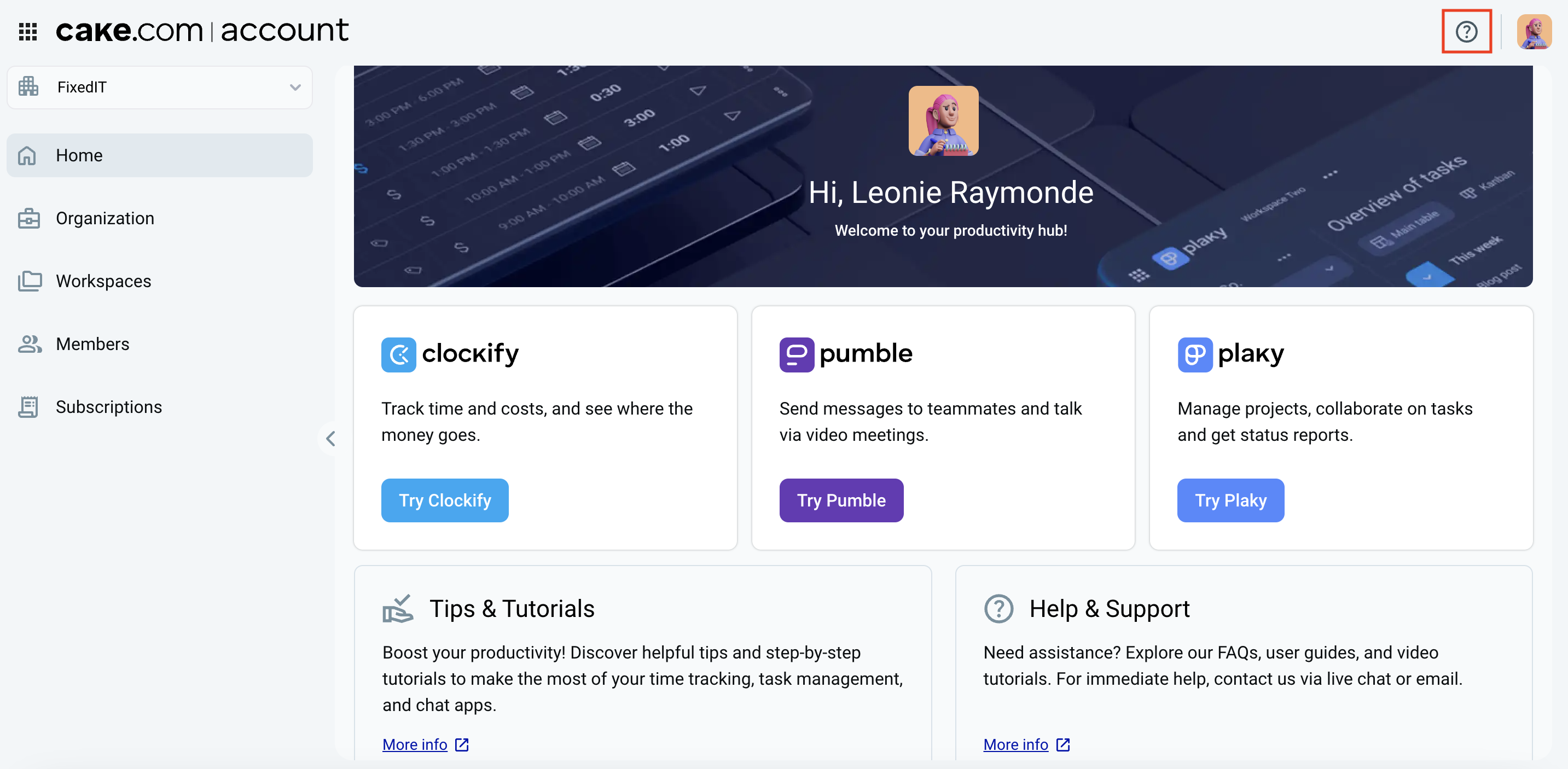
In the top right corner, next to your profile icon is the  help icon. By clicking on it, you can access the following resources:
- Help Center: Here you’ll find comprehensive guides and tips to navigate any challenges you may encounter with your CAKE.com Account
- Tutorials: You can explore video instructions and practical examples designed to help you make the most of your CAKE.com Account
- Contact Support: If you require further assistance, our dedicated support team will assist you promptly